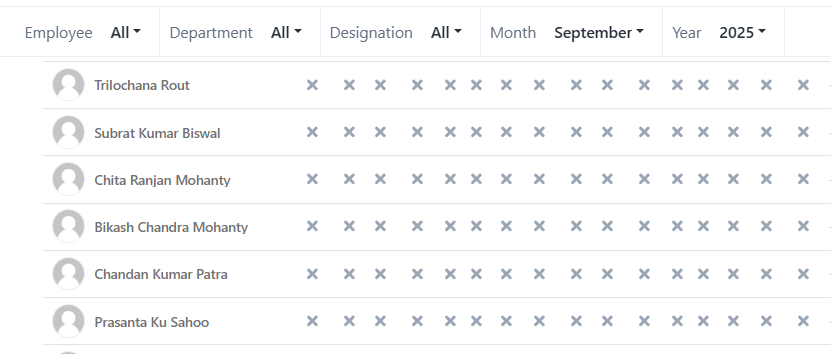

⌘K
Attendance Import
Overview
The Attendance Import feature in CrmLeaf allows you to upload employee attendance details in bulk. This helps you save time, maintain accuracy, and ensure payroll calculations reflect the correct number of working days, leaves, and overtime for each employee.
This option is useful when:
- Recording attendance for a large workforce.
- Migrating attendance data from biometric devices or third-party systems.
- Updating monthly attendance before payroll processing.
Steps:
- Login to your CrmLeaf account.
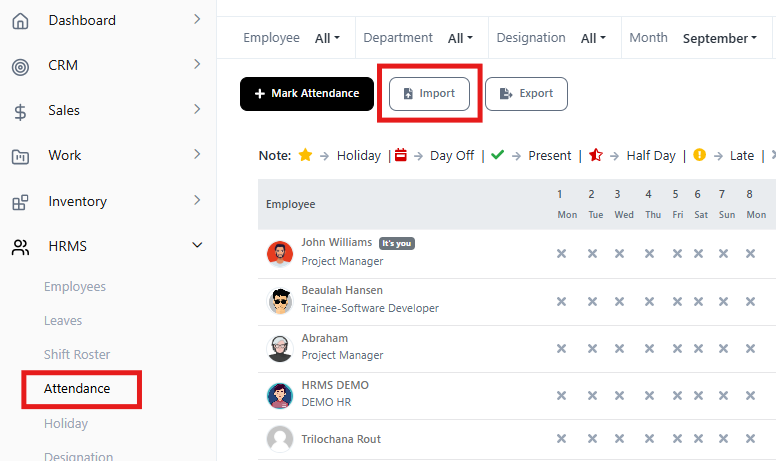
- From the main menu, go to HRMS → Attendance.
- On the Attendance page, click on Import.
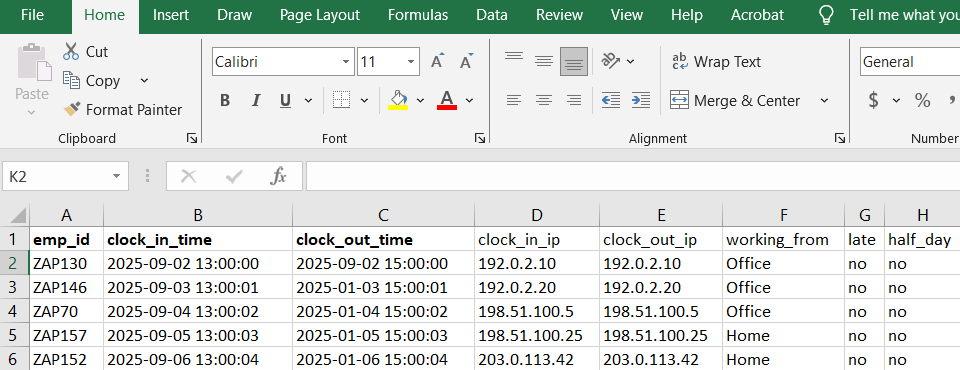
- Then click on Choose a file → select the xls file
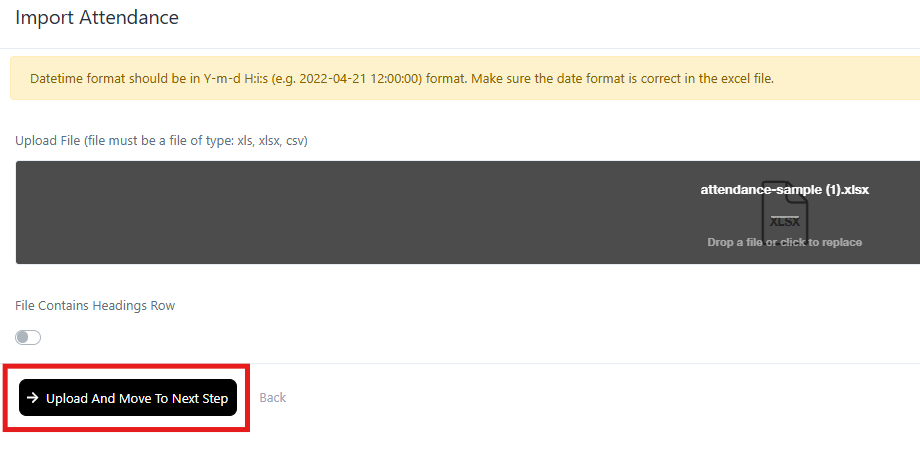
- Then click Upload and Move To Next Step
- In the next page you need to map the field with the data. The data includes
- Employee ID
- Clock in
- Clock out
- Clock in IP
- Clock out IP
- Working from
- Late/no
- Half_day/no
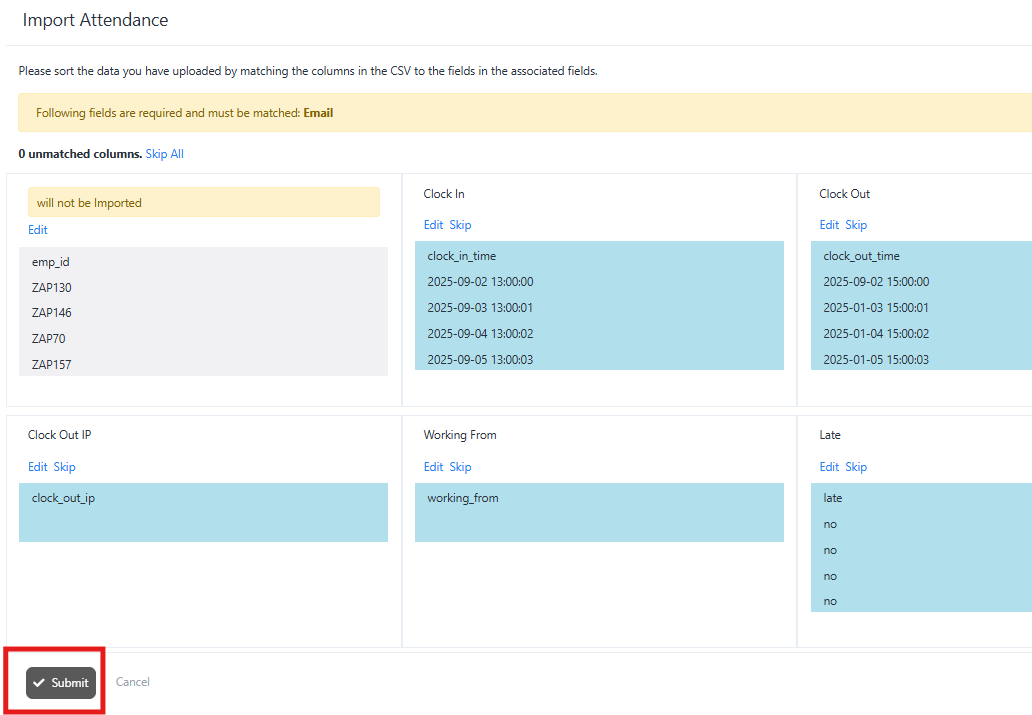
- Next you can see the uploaded data on your system.