
Excel Payroll Risks: What Happens If Your Spreadsheet Fails on Salary Day?
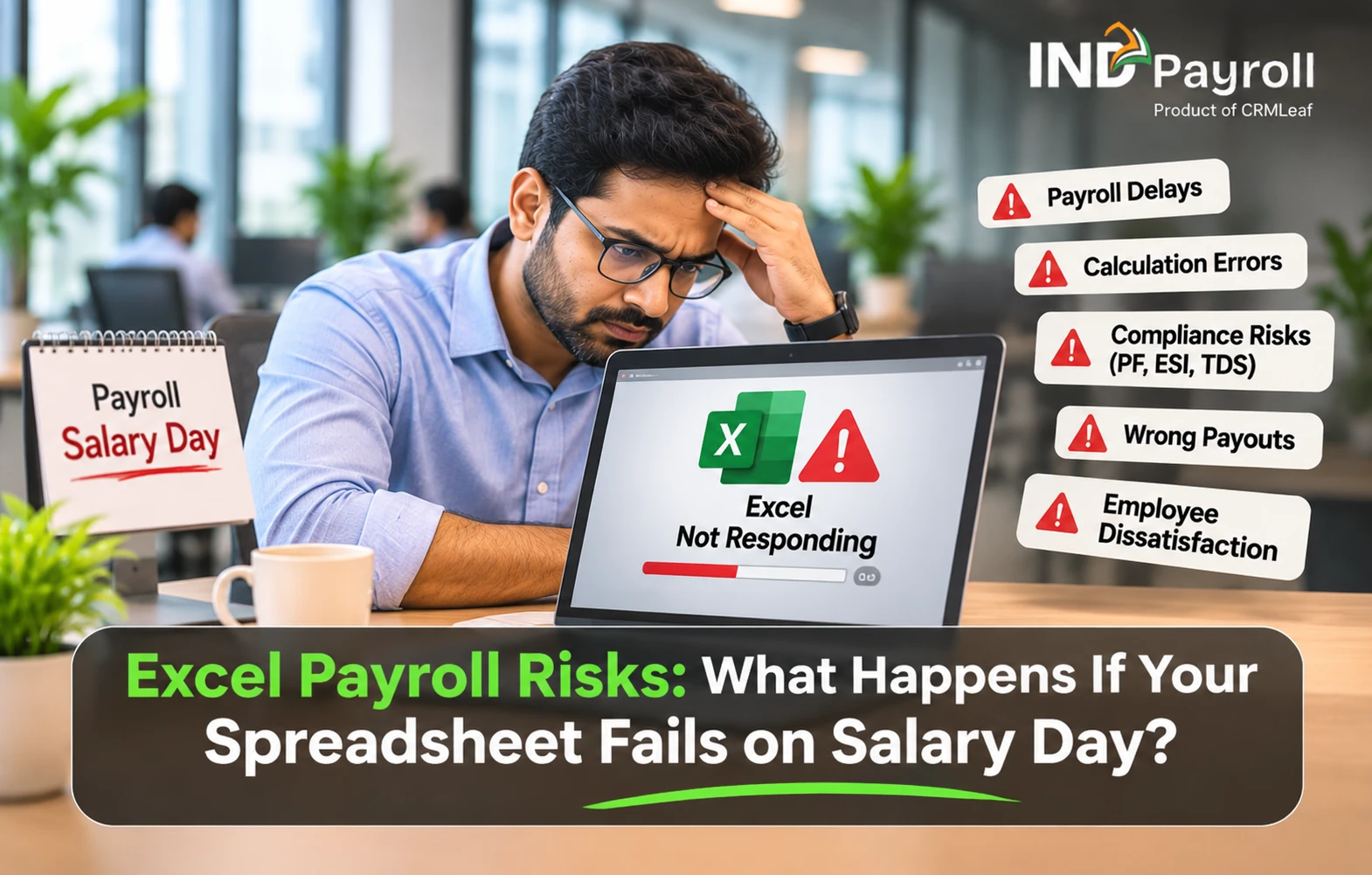
TL;DR: Excel payroll risks come mostly from lost or stale data, not bad formulas. A deleted sheet, a corrupted file, a stale copy or a lost laptop can delay salary day and leave you without wage records. Backups, version history, access limits and a quarterly restore test remove most of the risk at almost no cost. Growing teams should also look at payroll software such as INDPayroll, which is free for up to 10 employees.
- Most Excel payroll risks are about data, not formulas: deletion, corruption, version clashes, device failure and unauthorised access.
- A missing or wrong file delays salaries. It can also make wage records hard to produce when an employee or inspector asks.
- Backups, version history, access control and a quarterly restore test remove most of the risk at almost no cost.
- Salary sheets hold personal data. India's DPDP Rules put reasonable security safeguards on employers from around May 2027.
- Excel can work for a very small, stable team. Growing teams should evaluate a dedicated payroll system.
- INDPayroll is free for up to 10 employees, so you can test it without a commitment.
It is the 28th of the month. Your HR executive opens the payroll workbook, and Excel says the file cannot be opened. Or the file opens, but the attendance sheet is gone. Or two copies exist, and nobody knows which one holds the revised salaries.
These are the Excel payroll risks that most Indian businesses ignore until a salary cycle is on the line. Excel is a good tool. The problem is relying on a few manually maintained files for data that you must pay, report and defend every month.
This guide explains six Excel payroll risks, why they happen, what they cost and how to fix each one. You also get a seven-step protection plan, a checklist and a simple way to decide when to move to payroll software.
What Are the Biggest Excel Payroll Risks for Indian Businesses?
The biggest Excel payroll risks are accidental deletion, file corruption and multiple versions of one sheet. Others are loss of the device that stores the file and unauthorised access to salary data. Each one can stop or distort a salary cycle. Each one also has a practical fix.
| Risk | Root cause | Business impact | First fix |
|---|---|---|---|
| Accidental deletion or overwriting | Manual edits, no locked cells | Attendance and salary data must be rebuilt | Version history and a daily dated copy |
| File corruption | Crashes, interrupted saves, heavy workbooks | File will not open | Two dated backups, tested repair steps |
| Multiple versions | Files shared by email and chat | Wrong salary reaches finance | One master file, one owner |
| Device or storage failure | Files saved on one laptop | Data unavailable on payday | A managed cloud or server copy |
| Unauthorised access | Files forwarded as copies | Salary leaks and disputes | Permissions and password protection |
| Silent formula errors | Hardcoded rates, copy-paste | Wrong PF, ESI or TDS deductions | A locked rules sheet and a second reviewer |
Why Do Businesses Still Depend on Excel for Payroll?
Excel is familiar, flexible and already on every HR desktop. Small teams start there because it costs nothing extra. HR teams usually keep employee details, monthly salary, attendance, leave, overtime, PF, ESI, TDS and professional tax in separate sheets.
That works for ten employees. Now consider a company with 150 employees. HR keeps separate files for attendance, leave, salary revisions, the employee master and the monthly payroll. Every month, someone must collect the latest data, verify entries, update formulas and send the right version to finance.
The challenge is not Excel itself. The challenge is managing critical business data across many manual files with no safety net.
Six Excel Payroll Risks and How to Fix Each One
Each risk below follows the same pattern: the problem, the root cause, the impact, the fix and the prevention step.
Risk 1: Accidental Deletion or Overwriting
Problem: An HR executive removes "unused" rows from the attendance sheet and deletes live records. Or someone saves an old file over the latest salary workbook.
Root cause: Anyone with edit access can change any cell. A standalone file on one computer has no reliable record of who changed what.
Impact: HR must rebuild data from emails, biometric exports and manager messages. Payroll then slips by days.
Fix: If the file sits on OneDrive or SharePoint, use Version History to restore an earlier version. Microsoft explains the steps on its page about restoring a previous version of an Excel file. Otherwise, restore from your last dated backup.
Prevention: Lock formula cells and keep data-entry sheets separate from calculation sheets. Also save a dated copy before every payroll run.
Risk 2: Excel File Corruption
Problem: The workbook refuses to open, or it opens with sheets missing.
Root cause: Crashes, interrupted saves, power cuts, sync errors and very heavy workbooks are common triggers.
Impact: HR loses access to current-month data just when payroll must start.
Fix: Do not keep saving over the broken file. Work on a copy instead. Microsoft says Excel tries File Recovery automatically. You can also use Open and Repair, and then Extract Data if repair fails. Its guide to repairing a corrupted workbook lists the steps. Recovery is not guaranteed, so a backup matters more than a repair.
Prevention: Keep at least two dated backups from different days. That way, one bad save cannot replace your only good copy.
Risk 3: Multiple Versions of the Same Spreadsheet
Problem: Two HR executives work on separate copies of the salary sheet. One holds the latest revision. The other uses an older copy. Both files reach finance.
Root cause: Files travel by email and chat, and every forward creates a new copy.
Impact: Finance must verify line by line, and a wrong figure can still reach a payslip.
Fix: Pick one master file in one shared location. Everyone else reads from it. Name each version with a date and status, such as "Payroll_Nov2026_Approved".
Prevention: Name one payroll owner. Only that person edits the master, and the file is frozen after approval.
Risk 4: Laptop or Storage Device Failure
Problem: The laptop that holds the payroll files stops working on payday.
Root cause: Files live only on one local drive or one pen drive.
Impact: Even when recovery is possible, it takes time, and salaries wait.
Fix: Check the cloud folder, the copies emailed to finance and your last backup. Then rebuild any missing data from source records.
Prevention: Follow the common 3-2-1 habit: keep three copies, on two types of storage, with one copy off-site. This is general IT practice, not a legal rule.
Risk 5: Unauthorised Access to Employee Information
Problem: A payroll file with salaries is forwarded by email or dropped into a group chat.
Root cause: Once an Excel file leaves its folder, access control leaves with it. Sharing happens by copy.
Impact: Salary details leak, which triggers disputes and weakens trust. This is also personal data that you must protect, as the legal section below explains.
Fix: Stop broad sharing. Use password protection and folder permissions limited to named people.
Prevention: Send payslips individually instead of forwarding the full register. Review who has access every quarter.
Risk 6: Silent Formula and Statutory Errors
Problem: A hardcoded PF or ESI limit, a broken lookup or a copy-paste slip produces wrong deductions that nobody notices.
Root cause: Statutory rules sit in cells that someone must update by hand when the rules change.
Impact: Under-deductions, over-deductions, corrections in later months and employee queries follow.
Fix: Recheck PF, ESI, TDS and professional tax against official sources each cycle. Our payroll compliance checklist lists what to verify.
Prevention: Keep all rates on one locked rules sheet, and ask a second person to review the totals.
Try it free
Move payroll off scattered spreadsheets
Keep employee records in one place and test a payroll run on the free plan for up to 10 employees.
Start Free Trial Try the interactive demo
No credit card required.
What Happens to Your Business When Payroll Data Becomes Unavailable?
The impact reaches beyond one file. Here is a hypothetical example. A company with 150 employees finds that the monthly attendance sheet is missing two days before payroll.
| Department | Likely impact |
|---|---|
| HR | Rebuilds attendance and employee records by hand |
| Finance | Faces delays in salary preparation |
| Management | Lacks reliable workforce-cost figures |
| Employees | Face salary discrepancies or slow answers |
| Compliance team | Spends extra time retrieving past payroll records |
HR must call department managers, verify attendance, confirm leave balances and recalculate deductions. Even if everything comes back, the extra work squeezes the payroll schedule. The real loss is not a file. It is timely access to information the business needs to run.
What Did the November 2026 Outlook Outage Teach Payroll Teams?
It taught them that email is the hidden payroll system in most Excel setups. On Thursday 12 November 2026, Microsoft reported problems accessing Outlook and Teams, and the disruption ran across two workdays. ABC News reported that Microsoft blamed a problem from a network capacity upgrade and saw "no indication" of malicious activity. It was an access outage, not a hack.
Now think about where your payroll inputs travel in a normal month:
- Managers email attendance sheets to HR.
- Salary revisions and leave approvals sit in inboxes.
- HR forwards the payroll file to finance as an attachment.
- Payslips go out by email.
If Outlook is down for a day or two, every one of those handoffs stops. Reports also listed other Microsoft 365 services among those affected. So a workbook that lives only in a cloud folder may be unreachable too, along with its Version History. Nothing is deleted in such an outage, yet payroll still stalls.
Here is a practical plan to be ready before your next cycle:
- Move your input cut-off earlier. Close attendance and approvals two to three working days before pay day, so a one-day outage does not land on salary day.
- Add a second input channel. Agree a backup route with managers, such as a shared tracker or a phone call with a written follow-up once email returns.
- Keep an offline copy. After every payroll run, save the approved workbook and the employee master to an encrypted company device or drive.
- Check your bank approval path. Confirm that salary approvals and bank uploads do not depend only on one email inbox.
- Name a decision owner. Decide in advance who watches the Microsoft 365 service status and who tells employees if pay day may slip.
Payroll software helps here because attendance, leave and approvals can live in the system instead of in inboxes. In INDPayroll, for example, managers and employees use the platform for leave and attendance, so HR does not chase sheets by email. But any cloud tool, including ours, can have an outage, so keep the offline copy and a plan either way.
Do Excel Payroll Risks Create Legal and Compliance Exposure?
Yes, in two ways. First, wage records matter. Second, salary data is personal data. This section is general information, not legal advice, so confirm the details with your CA or counsel.
Wage records. Section 50 of the Code on Wages, 2019 requires employers to maintain records and issue wage slips. The four labour codes took effect on 21 November 2025, and the Ministry of Labour and Employment has since notified Central rules. Workers can claim unpaid wages within three years. So wage records must stay available and accurate. Check the current Central and state rules on the Ministry of Labour and Employment website for exact formats and retention periods.
Data protection. The Digital Personal Data Protection Rules, 2025 were notified in November 2025. Core duties, including reasonable security safeguards, apply from about 13 May 2027. Reported penalties for failing to take such safeguards reach ₹250 crore. The Rules name measures such as encryption, access controls and logging. A spreadsheet that travels by email makes those measures hard to show. See MeitY for the official text.
How Can You Reduce Excel Payroll Risks in Seven Steps?
You can cut most Excel payroll risks this month without buying anything. Follow this order.
- List every payroll file. Write down each sheet, its owner and where it is stored.
- Move files to one controlled location. Use a company-managed cloud or server folder, not personal laptops.
- Turn on version history and automatic backups. Then confirm that you can restore a file.
- Set access permissions. Give named people access, and separate view rights from edit rights.
- Lock formulas and rules. Protect the rules sheet and use data validation for attendance days.
- Add a pre-payroll check. Confirm headcount against the HR master, review total salary against last month and recalculate statutory totals with a second person.
- Run a restore drill every quarter. Restore a past month from backup and note how long it takes.
Payroll Data Safety Checklist
Use this list before every payroll cycle.
- ☐ One master payroll file exists, and one person owns it.
- ☐ The file is stored on a company-managed location, not a personal device.
- ☐ A dated backup was saved before processing began.
- ☐ Version history is on, and a restore was tested this quarter.
- ☐ Only named people can open the file.
- ☐ Formula cells and the rules sheet are locked.
- ☐ Attendance and leave inputs are backed up with the payroll file.
- ☐ A second person checked headcount and statutory totals.
- ☐ Payslips go out individually, not as one shared register.
- ☐ The approved file is frozen and archived after payment.
Common Mistakes When Protecting Payroll Spreadsheets
- Backing up only the final file. Attendance and leave inputs need a backup too.
- Keeping the backup on the same laptop. One failure then removes both copies.
- Saving repeatedly over a corrupted file. Always repair a copy.
- Sending the password in the same email as the file. Share it through a separate channel.
- Never testing a restore. An untested backup is only a hope.
- Letting every HR team member edit the master. Limit edit rights to the payroll owner.
When Should You Move From Excel to Payroll Software?
Excel still suits a very small team with stable pay and simple rules. But the risks above grow with headcount, salary revisions, shifts and statutory changes. Consider payroll software when several of these are true:
- Your HR team keeps multiple Excel files for employee, attendance and salary data.
- You collect and verify attendance by hand every month.
- Salary calculations need frequent spreadsheet fixes.
- Employees often contact HR for payslips and attendance details.
- You plan to grow your workforce.
Here is how the two approaches differ.
| Business activity | Excel-based approach | Dedicated HRMS approach |
|---|---|---|
| Employee records | Manually maintained worksheets | Structured employee records |
| Attendance | Manual entries or separate files | Attendance management |
| Leave | Separate tracking sheets | Centralised leave records |
| Salary processing | Formulas and manual updates | Payroll processing |
| Employee access | Sharing spreadsheets | Employee self-service |
| Reports | Manually prepared worksheets | HR and payroll reports |
The goal is not to remove Excel from your business. It is to stop depending on it for processes that need consistent records. For a deeper comparison, read our guide on manual payroll vs payroll software for Indian SMEs.
How Does INDPayroll Reduce Excel Payroll Risks?
INDPayroll is an HRMS and payroll platform for Indian businesses. It brings employee records, attendance, leave and payroll into one place. Here is how that addresses the risks above.
- Spreadsheet import. You can bring in employee, attendance and pay data from Excel files instead of retyping them. Our Excel payroll import guide shows the steps.
- Structured records. Employee data sits in one system, so there is no master file to overwrite or forward.
- Access control and audit trail. Admins decide who can view or change payroll data, and the platform keeps a record of user activity.
- Statutory calculations. INDPayroll calculates PF, ESI, TDS and professional tax, and it produces the reports you use to file them. It does not file with government portals for you. ESI, TDS and Form 16 are part of the Essentials plan.
- Attendance and leave. Both feed payroll directly. Geo-tagged attendance is on the Ultimate plan, and biometric attendance sync is an add-on, so check the pricing page for plan details.
- Data location and export. The help centre states that data is hosted on servers in India and encrypted in transit with 256-bit TLS. You can export employee records, payroll history and statutory reports at any time.
One honest note: software is not automatically a backup plan. Before you migrate, ask any provider, including us, how backups, recovery and access controls work. Our account and security help page is a good place to start. If you want a side-by-side view, see how INDPayroll compares with spreadsheet payroll.
Frequently Asked Questions About Excel Payroll Risks
What are the main Excel payroll risks?
The main Excel payroll risks are accidental deletion, file corruption, multiple versions of one sheet, device failure, unauthorised access and silent formula errors. Each one can delay salaries or cause wrong payments. Backups, access control and a single master file reduce most of them.
Is Excel safe for payroll?
Excel can handle payroll for a very small, stable team if you add backups, access limits and review checks. Safety depends on your process, not the tool. As headcount, shifts and statutory changes grow, the manual effort and risk rise quickly.
What should I do if my payroll Excel file is corrupted?
Work on a copy, never the original. Try Excel's Open and Repair, and use Extract Data if repair fails. Microsoft notes that recovery is not guaranteed. Then restore the latest dated backup or an earlier version from OneDrive or SharePoint version history.
How can I recover an overwritten payroll file?
If the file is stored on OneDrive or SharePoint, open Version History and restore an earlier version. Without cloud storage, check your latest dated backup and any copies emailed to finance. Restoring an older version means later edits are lost, so compare versions first.
How can businesses protect payroll data in Excel?
Keep one master file in a company-managed location. Save dated backups, turn on version history, limit access to named people and lock formulas. Send payslips individually and test a restore every quarter. Together, these steps remove most Excel payroll risks.
Does Indian law require employers to protect payroll data?
Yes, in two ways. The Code on Wages requires employers to maintain wage records and issue wage slips. The DPDP Rules, 2025 add reasonable security safeguards for personal data, with core duties applying from about May 2027. Confirm details with your CA or counsel.
When should a business switch from Excel to payroll software?
Consider switching when HR keeps several disconnected files, attendance needs manual checks each month, salary formulas need frequent fixes or headcount is growing. If payroll depends on one person and one laptop, the risk is already high.
Is there a free INDPayroll plan?
Yes. INDPayroll offers a free plan for up to 10 employees with basic PF, subject to the current plan terms on the pricing page. You can set up a small team and review how payroll runs before deciding on a paid plan.
Conclusion: Fix Excel Payroll Risks Before Salary Day
Excel payroll risks rarely announce themselves. A deleted sheet, a corrupted file or a stale copy shows up on the worst possible day. You can reduce most of them now with one master file, tested backups, tight access and a pre-payroll check.
If your team has outgrown that routine, evaluate a dedicated system before something breaks. INDPayroll brings employee records, attendance, leave and payroll into one structured platform, and the free plan covers up to 10 employees.
Ready to move beyond spreadsheets? Start your free INDPayroll account or try the interactive demo to see how it fits your payroll process.
Ready when you are
Keep payroll records in one structured place
Start on the free plan for up to 10 employees. Talk to our team if you run payroll for more people or for several clients.
Start Free Trial Try the interactive demo Talk To Sales
No credit card required.
Run your next payroll in 15 minutes
Trusted by 1,000+ Indian businesses to run compliant payroll, automatically.
Keep reading
13 November 2026 · 10 min
Payroll Management4 August 2026 · 24 min
Compliance13 November 2026 · 15 min